B2B Software Licensing: How to License Organizations, Teams, Users and Devices
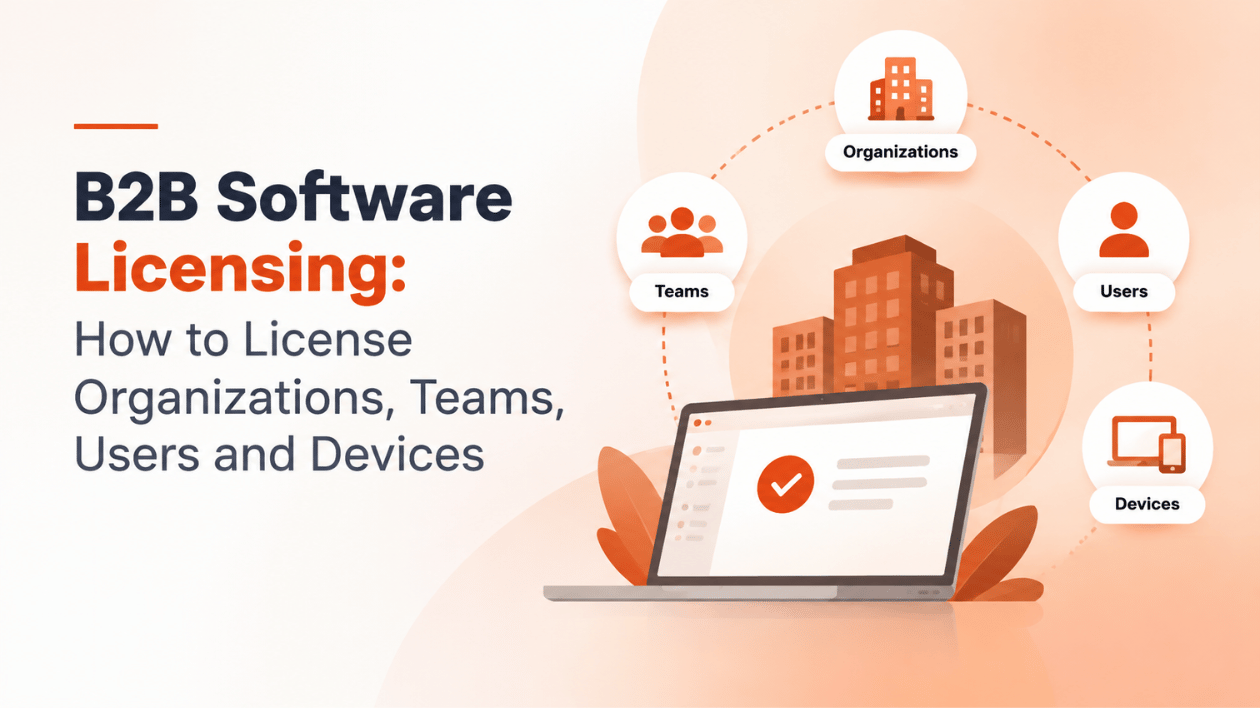
Selling software to a person is simple: one buyer, one user, one license. Selling to a company is different. The person who signs the contract may never open your app. The people who use it come and go. Some work on two laptops, some share a machine on the night shift, and the IT department wants a single invoice and a single place to see what they own.
B2B licensing is about answering one deceptively simple question: who, or what, does a license actually belong to?
Key takeaways
- In B2B, the customer is the organization, but usage happens at the level of users, sessions and devices.
- Named users suit products used daily by specific people; concurrent users suit shared tools and shift work; device licenses suit fixed workstations and hardware.
- Multi-tenant SaaS maps naturally to one licensee per tenant.
- Most B2B products combine restrictions, for example an organization subscription with a cap on concurrent users.
Organization-level vs. user-level licensing
| Organization-level | User-level | |
|---|---|---|
| License belongs to | The company account | An individual person |
| Who manages it | The customer’s admin or buyer | The user |
| Typical pricing | Plan or contract per company, often with limits | Per user per month |
| Good for | Team tools, platforms, enterprise contracts | Individual productivity tools |
| Main risk | Unlimited sharing inside the company | Account sharing between people |
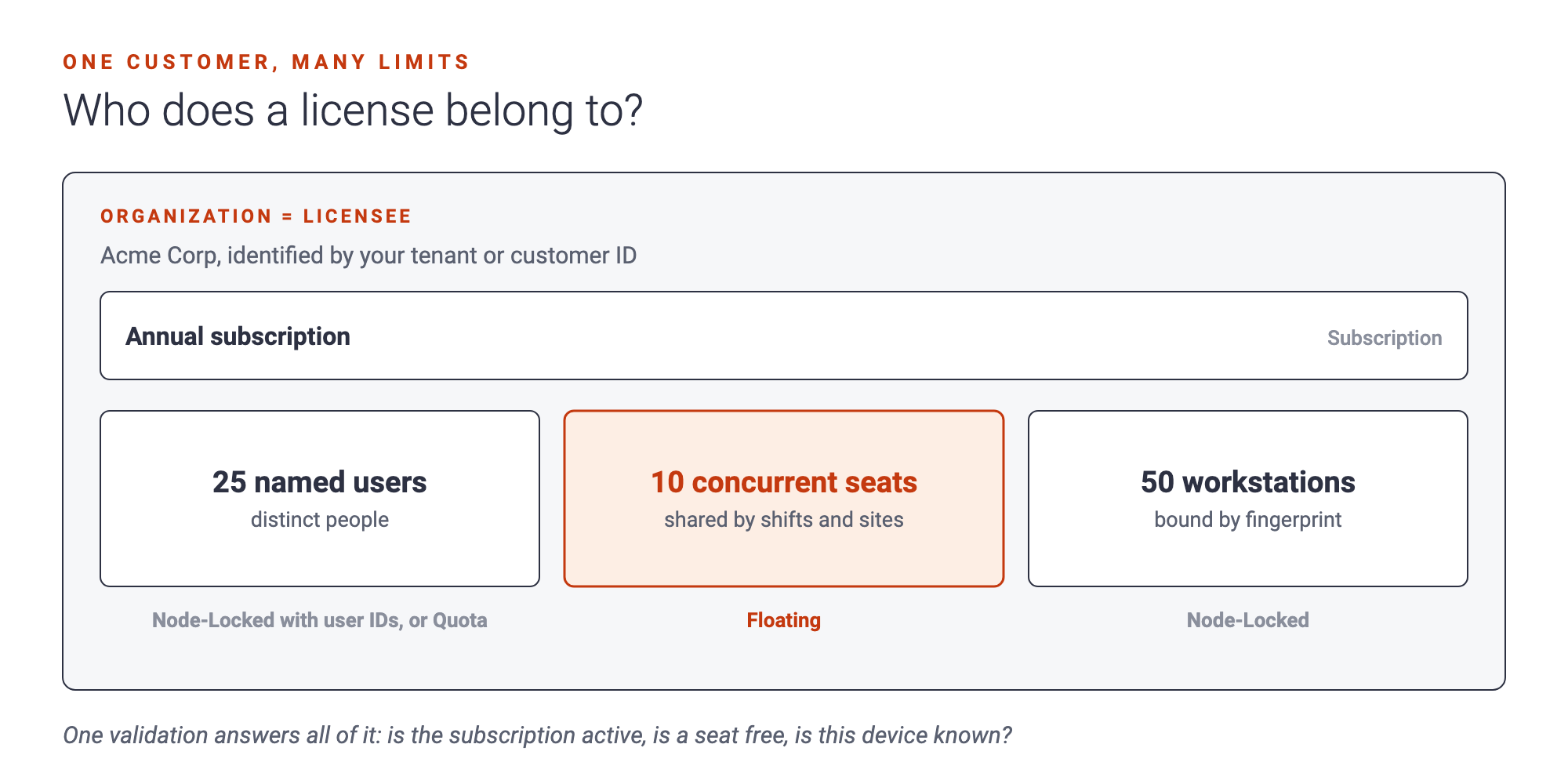
Most B2B products land on organization-level licensing with limits inside it: the company holds the license, and the license says how many users, sessions or devices it covers.
Named users vs. concurrent users
Named users are specific people. “This account includes 25 named users” means 25 identities can use the product, whether they log in daily or once a quarter.
Concurrent users count people working at the same time. “10 concurrent users” might serve a team of 40 spread over shifts and time zones.
| Named users | Concurrent (floating) | |
|---|---|---|
| Counts | Distinct people | Sessions at the same moment |
| Customer likes it when | Everyone uses the tool daily | Usage is spread over shifts, sites or projects |
| Vendor likes it because | Revenue grows with headcount | Easier to sell into large, irregular teams |
| Needs a connection | To register a new user | For every session start and renewal |
| Typical abuse | Shared logins | Sessions never released after a crash |
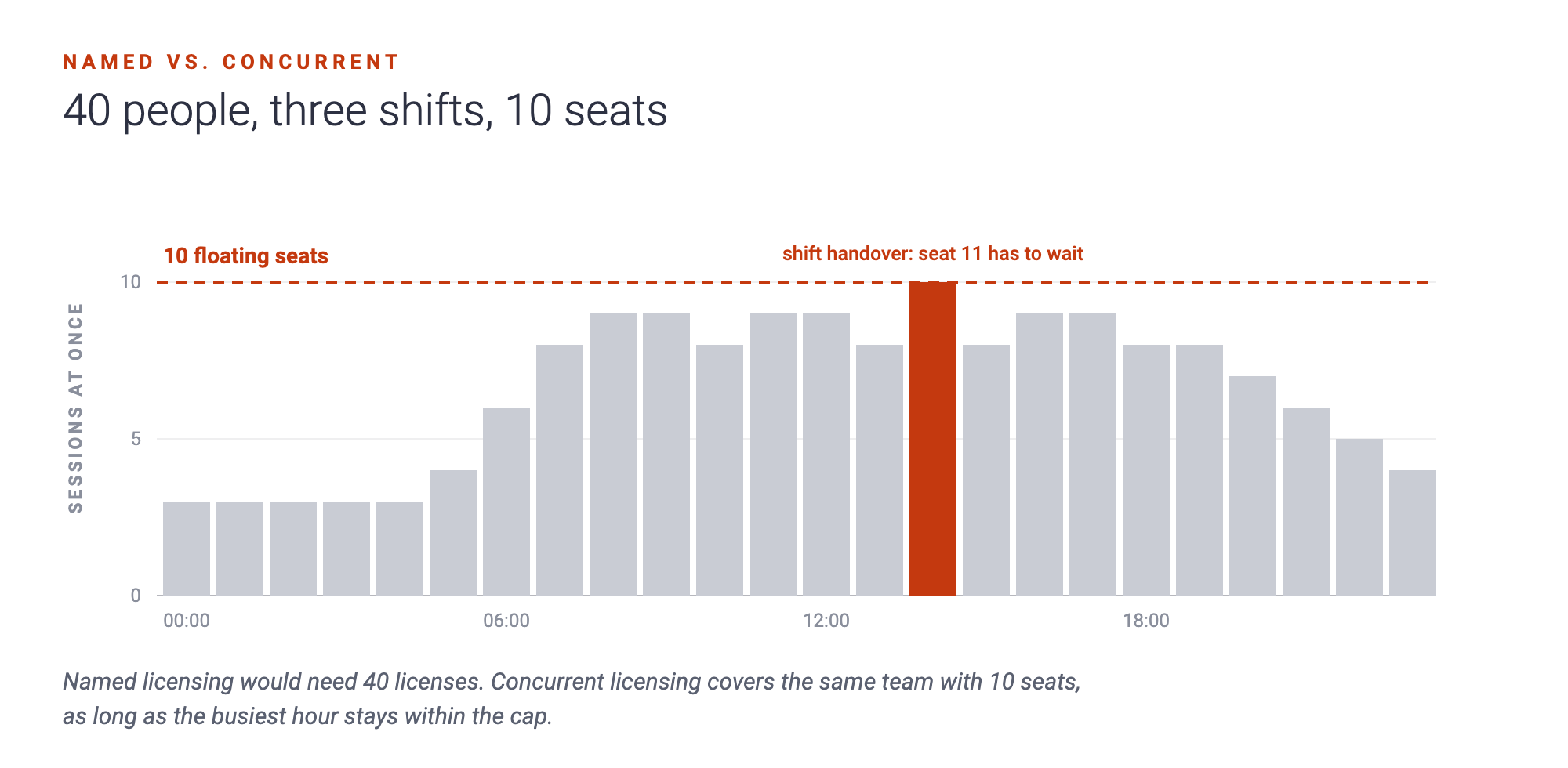
In NetLicensing, concurrent users are the Floating model. The application checks out a session when a user starts and checks it in when they finish. Sessions that are never checked in expire automatically after a maximum checkout validity, so a crashed client doesn’t block a seat forever. For named users, either use the user ID as the licensee number, or use the Node-Locked model with the user ID as the “node”, so the license accepts up to N distinct users.
Device and node-locked licensing
Some products don’t care about people at all. Engineering software on a specific workstation, a controller in a factory, a kiosk in a shop: here the license belongs to the device.
With node-locked licensing, the application sends a stable fingerprint of the machine, and the license accepts up to a fixed number of them. In NetLicensing’s client mode, new devices are bound automatically on first use while slots are free. In predefined mode, you register device identifiers in advance, which is how hardware dongles are usually handled. NetLicensing doesn’t generate the fingerprint for you; you choose what makes a device unique, as described in how to generate a machine fingerprint.
Laptops get replaced. A customer who can’t move their license will open a support ticket, or stop renewing.
So plan for device swaps from the start: releasing a slot is a single change on the license.
Multi-tenant licensing architecture
If your product is SaaS, the natural unit is the tenant: a customer account, workspace or organization. In NetLicensing each tenant becomes one licensee, identified by your own tenant ID. Your back end validates the tenant, caches the result until it expires, and passes the plan, features and limits to the rest of the application.
That mapping keeps things clean:
| In your SaaS | In NetLicensing |
|---|---|
| Tenant or organization | Licensee, with your tenant ID as its number |
| Plan | A plan in a Pricing Table module |
| Feature included with a plan | A feature (SKU) in the plan |
| Seat limit | Quota for named seats, or Floating for concurrent sessions |
| Metered usage | Pay-per-Use credits |
If customers know their account under a different key, for example a key from your own shop, NetLicensing can store it as an alias of the licensee. The SaaS licensing guide covers the full request flow.
Teams, departments and subsidiaries
Large customers often want to split licenses: a separate budget for the German subsidiary, a separate pool for the R&D department. The simplest approach is to treat each budget-holding unit as its own licensee. Each unit then has its own licenses, its own limits and its own renewals, and nobody in R&D can accidentally use up the sales team’s seats.
When organizations restructure, licenses can be transferred between licensees, so a merger or reorganization doesn’t mean re-selling everything.
Combining organization, user and device restrictions
Real B2B offers are layered. A few combinations we see often:
- Annual company subscription + concurrent seats. The organization pays per year and gets 20 floating sessions. In NetLicensing: Subscription plus Floating.
- Company plan + device cap. The plan includes up to 50 workstations. In NetLicensing: a plan or subscription plus Node-Locked with a quota of 50.
- Plan with named seats and add-ons. Business plan for 25 users, with an “SSO” add-on. In NetLicensing: Pricing Table with a seat quota, plus Multi-Feature for add-ons.
Because each restriction is its own product module, one validation call returns all of them at once: is the subscription active, is a seat free, is this device known, is SSO included?
Let customers see what they own
B2B buyers expect self-service. They want to see their licenses, transaction history and renewal dates without emailing you. NetLicensing’s white-label Customer Portal gives them exactly that, under your brand.
Questions people ask
What’s the difference between named and concurrent licensing? Named licensing counts distinct people who may use the product. Concurrent licensing counts how many use it at the same moment.
How do I license a whole company instead of individual users? Make the organization the licensee and put limits such as seats, devices or usage on its licenses.
How do I handle customers who replace their computers? Release the old device’s slot on the license. With automatic binding, the new machine takes the free slot on its first validation.
Can one customer have different licenses for different departments? Yes. Treat each department as its own licensee, with its own licenses and limits.
Model your B2B offer
Organization-level licensing with seats, devices and add-ons is where licensing either supports your sales team or gets in its way. Floating and Node-Locked are included from the Premium plan, and the Select plan adds plans, quotas and usage. Compare them on the pricing page, or talk to us about your enterprise licensing scenario.
Happy Licensing!
Image Credits: NetLicensing
Related Posts
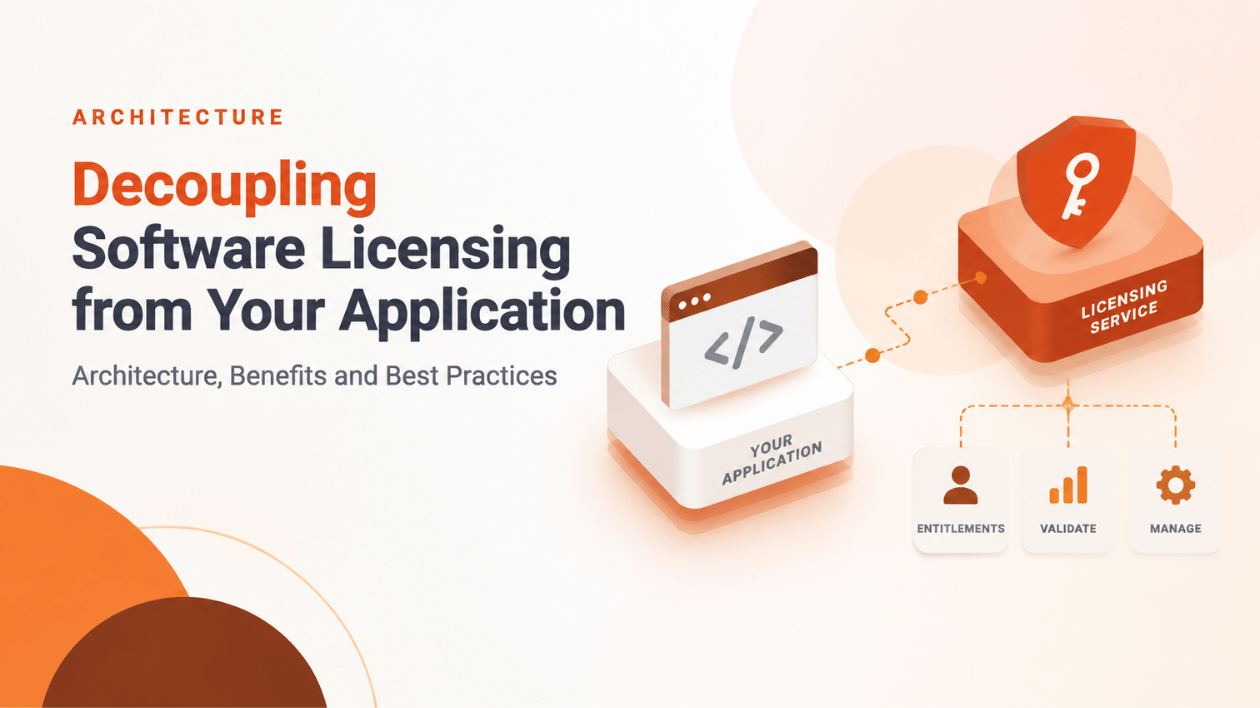
Decoupling Software Licensing from Your Application: Architecture, Benefits and Best Practices