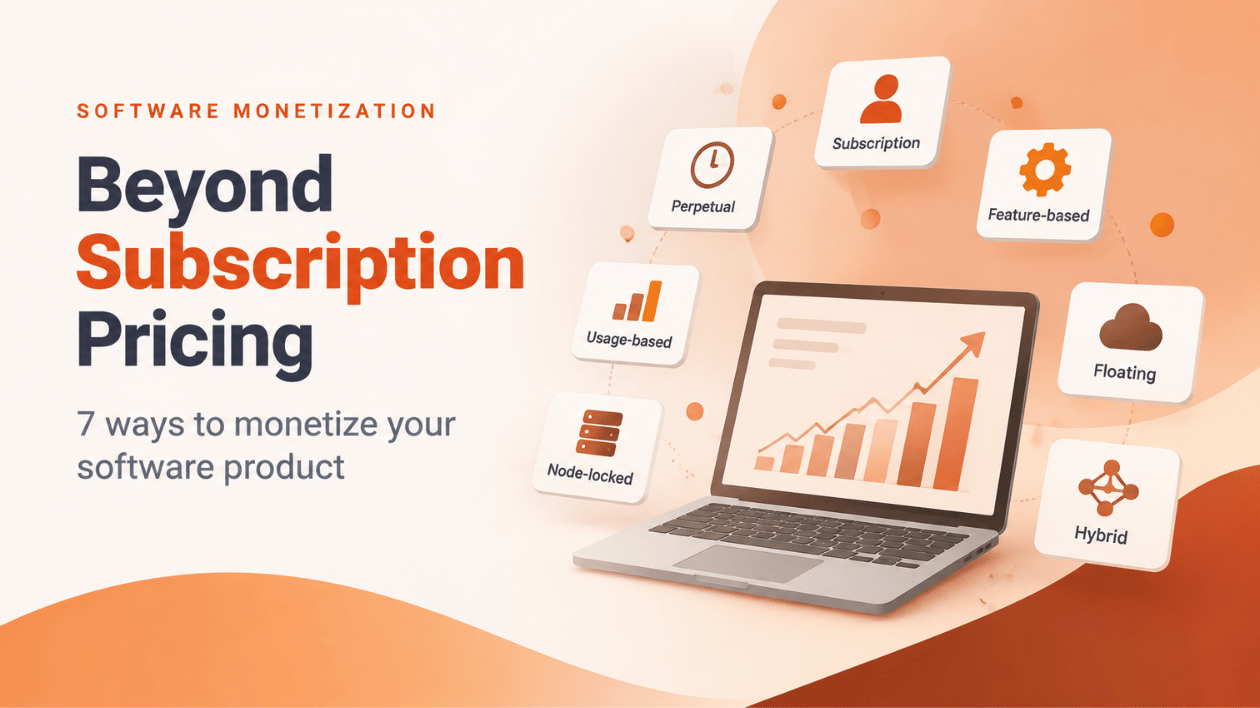
Beyond Subscription Pricing: 7 Ways to Monetize Your Software Product
Ask ten founders how they charge for their software and nine will say “subscription”. It has become the default answer, and that’s exactly the problem. A subscription is one way to turn value into revenue. It’s rarely the only one, and for a surprising number of products it isn’t even the best one.
A design tool used daily by one person, an API billed by the call, an engineering suite shared by a shift team, and a controller that runs in a factory hall with no internet: each delivers value in a different shape. Your pricing should follow that shape. The licensing model is how you enforce it.
A subscription is one way to turn value into revenue. It is rarely the only one.
Below are the seven models we see software vendors use most, what each one actually charges for, and when it fits.
Key takeaways
- A licensing model decides what a customer may use, for how long and how much. Pricing is the number, licensing is the rule behind it.
- Pick the model by asking how your customers get value: once, over time, per feature, per use, per device or per concurrent user.
- Most mature products combine two or three models, for example a trial, a subscription and paid add-ons.
- Mixing models is much easier when licensing lives outside your code, so a new model doesn’t mean a new release.
1. Perpetual: pay once, use forever
The classic. The customer buys a version once and keeps using it. Updates are often sold separately as a maintenance plan.
Good for: tools people use for years without needing updates, and regulated or isolated environments where “it must keep running” beats “it must stay current”.
Watch out for: revenue arrives in lumps, and you have to sell new versions or maintenance to keep it flowing.
2. Subscription: pay per period
The customer pays monthly or yearly, and use ends when payment stops. Revenue becomes predictable, and customers get a lower entry price.
Good for: software that improves continuously, cloud services and SaaS.
Watch out for: customers expect visible progress for their recurring payment. And your application has to know the expiry date, including what happens on the day after.
3. Feature-based: pay for what you unlock
Instead of one price for everything, individual features, editions or add-ons are sold separately. Lite, Pro and Enterprise editions are the familiar form; a paid “advanced reporting” add-on is the modern one.
Good for: products with a broad audience, where a freelancer and an enterprise need very different things.
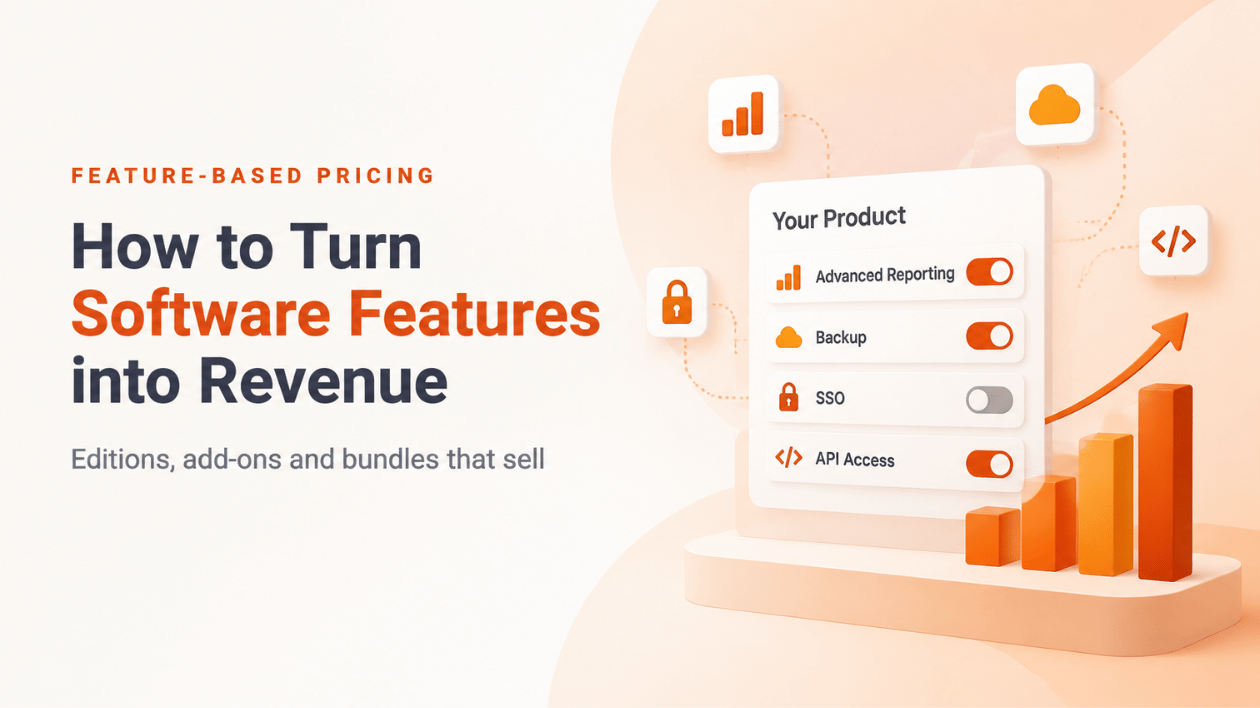
Watch out for: too many toggles confuse buyers. Package features into a few clear offers. We go deeper in Feature-Based Pricing: How to Turn Software Features into Revenue.
4. Usage-based: pay for what you consume
Customers pay per API call, processed document, report or compute minute, usually by buying credit packs up front or settling usage afterwards.
Good for: APIs, AI features, data processing, anything where cost and value scale with volume.
Watch out for: less predictable revenue, and customers who fear a surprise bill. Prepaid credits and clear balances help. See Usage-Based Pricing vs. Subscription Pricing for the trade-offs.
5. Node-locked: pay per device
A license is bound to specific machines, for example “up to two workstations”. The application sends a stable fingerprint and the license accepts only known devices, or new ones while slots are free.
Good for: desktop and workstation software, hardware-bound products, and software that has to keep working offline once activated.
Watch out for: customers replace laptops. Plan how a device slot gets released.
6. Floating (concurrent): pay per simultaneous user
The software runs anywhere, but only a fixed number of copies at the same time. Ten seats can serve forty people on three shifts.
Good for: engineering tools, labs, classrooms and teams that share a pool of licenses.
Watch out for: sessions that never get checked in after a crash. A short checkout validity returns those seats automatically.
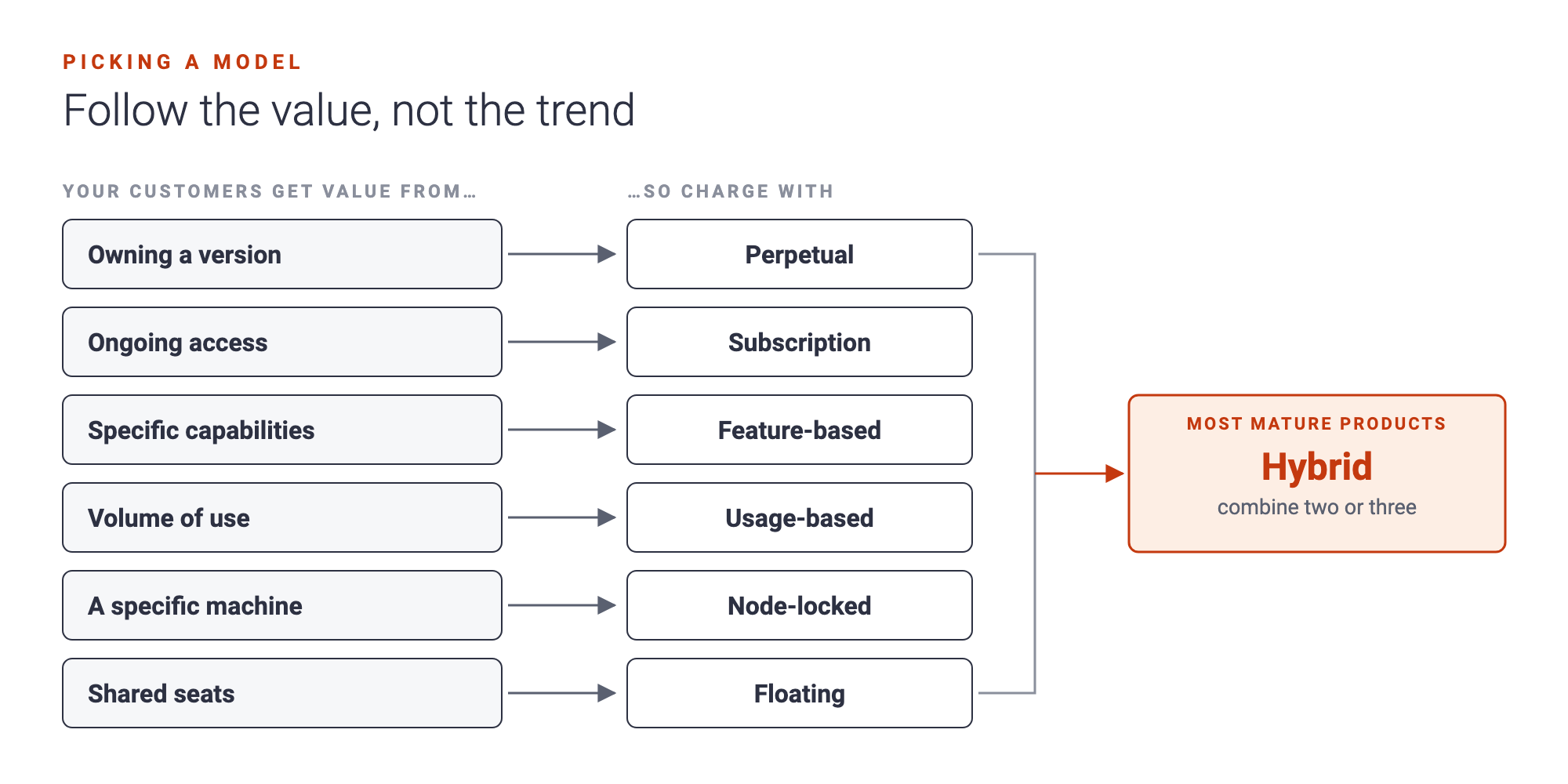
7. Hybrid: combine what works
The most successful products rarely use one model alone. Typical combinations:
| Scenario | Combination |
|---|---|
| Desktop app with a trial and a yearly license, two devices per customer | Subscription with a free trial period, plus node-locked with two device slots |
| SaaS with free, pro and business plans plus paid add-ons | Plans (pricing table) plus feature-based add-ons |
| Team tool sold as concurrent seats per year | Subscription plus floating |
| API product with prepaid credit packs | Usage-based credits, plus a subscription for platform access |
| Perpetual product with paid updates | Perpetual license plus a maintenance subscription |
How to choose: four questions
- How do customers pay? Once, per period, per use, or per unit of capacity.
- Is there a trial or free plan? And what should happen when it ends?
- What does one license cover? A device, a concurrent user, a named user, or a whole account.
- Are some features sold separately? If yes, you need feature entitlements on top of the base model.
Answer those, and the model mostly picks itself.
Monetization models at a glance
| Model | Charges for | Revenue pattern | Typical products |
|---|---|---|---|
| Perpetual | Ownership of a version | One-time, lumpy | Desktop tools, isolated environments |
| Subscription | Time | Recurring, predictable | SaaS, continuously updated software |
| Feature-based | Capabilities | Expands with upsells | Multi-edition products, add-ons |
| Usage-based | Consumption | Grows with customer volume | APIs, AI, data processing |
| Node-locked | Devices | Scales with installations | Workstation and embedded software |
| Floating | Concurrency | Scales with team size | Engineering and shared tools |
| Hybrid | A mix | Base plus expansion | Most mature products |
How this looks in NetLicensing
In NetLicensing, every product module uses one licensing model, and a product can have as many modules as you like. A “trial, then subscription, plus premium add-ons” product is simply three modules. Your application asks one question at runtime, “what may this customer use?”, and gets one answer per module.
The models above map like this: perpetual and trial to Try & Buy, subscription to Subscription, feature-based to Multi-Feature or Pricing Table, usage-based to Pay-per-Use, capacity limits to Quota, devices to Node-Locked, and concurrent users to Floating. Because the rules live in NetLicensing and not in your code, adding a model later is a configuration change, not a release.
Questions people ask
What is the best software licensing model? There isn’t one. The best model mirrors how your customers get value. Daily use by individuals suits subscription; volume-driven value suits usage-based; shared tools suit floating licenses.
Can I combine subscription and perpetual licensing? Yes. A common setup is a perpetual license for the product plus a subscription for maintenance and updates.
Can I switch models later? Yes, if licensing is configured outside your code. Existing customers keep their licenses while new offers run alongside them.
What’s the difference between pricing and licensing? Pricing sets the amount. Licensing enforces what that amount buys: which features, for how long, on how many devices, for how much usage.
Start experimenting
You don’t have to get the model right on day one. You just have to be able to change it without rebuilding your product. Try a few combinations in the NetLicensing Management Console with the free plan, or compare what each plan includes on our pricing page.
Happy Licensing!
Image Credits: NetLicensing
Related Posts

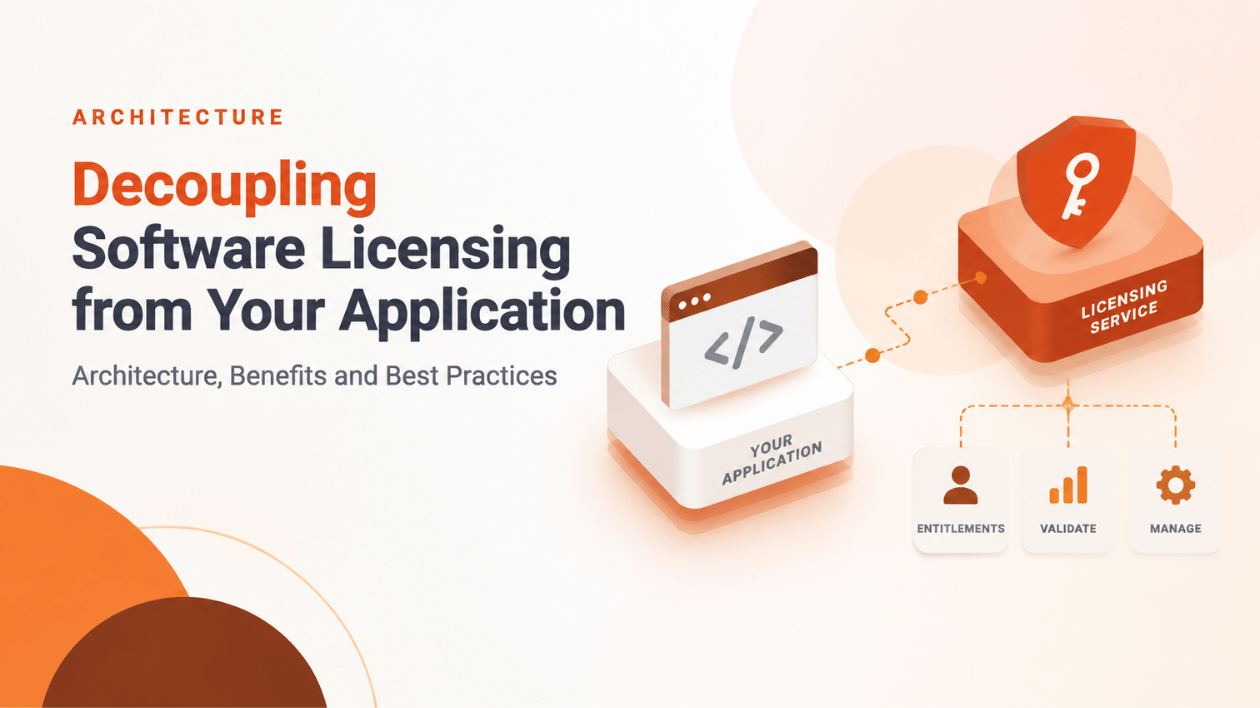
Decoupling Software Licensing from Your Application: Architecture, Benefits and Best Practices