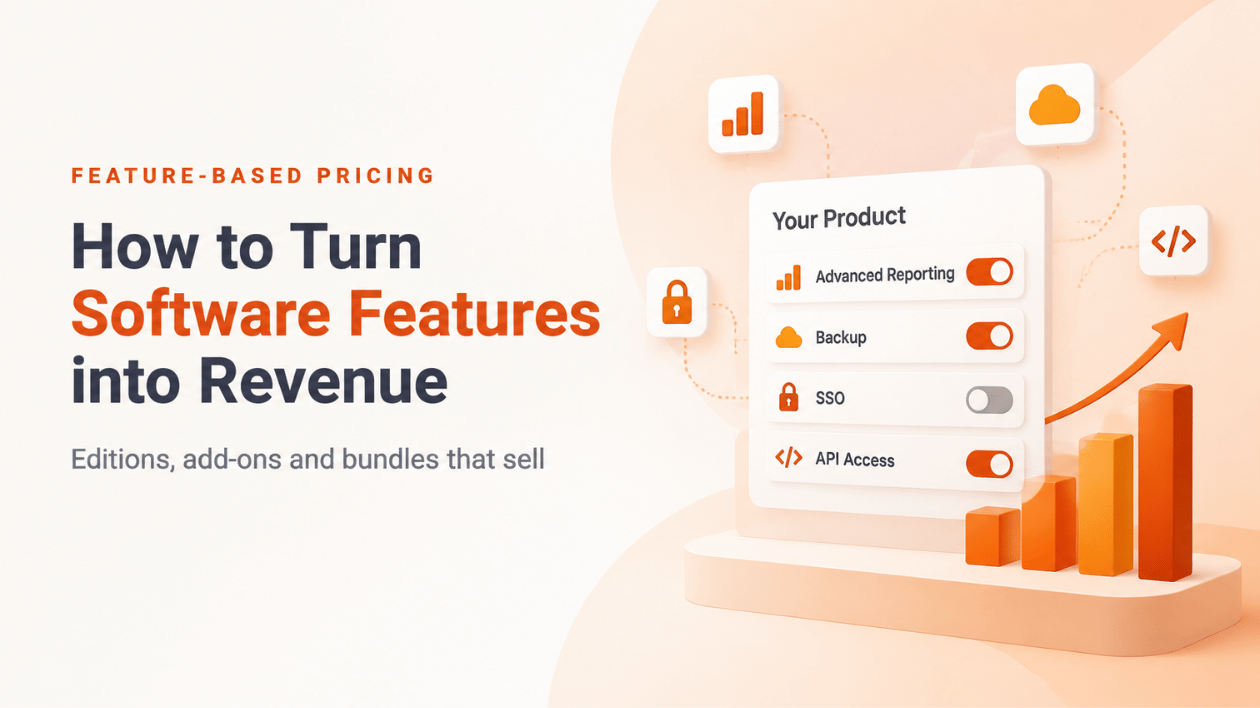
Feature-Based Pricing: How to Turn Software Features into Revenue
Here’s a scene most product teams know. Sales asks for one more enterprise feature. Engineering builds it. It ships to everyone, on every plan, at no extra charge, because nobody figured out how to sell it separately. Six months later the “Basic” plan quietly does almost everything “Enterprise” does.
That’s not a pricing problem. It’s a packaging problem, and feature-based pricing is how you fix it.
Key takeaways
- Feature-based pricing charges for what a customer can do, not just for access. Editions, add-ons and feature packs are all forms of it.
- Feature gating is not role-based access control. Roles decide what a user may do inside an account; feature entitlements decide what the account has paid for.
- Keep a clear free core and charge for features tied to business value: scale, automation, compliance, integrations.
- Feature licensing works best on top of a base model such as a subscription or plan.
Feature gating vs. role-based access control
They look similar in code (both end in “show this button or don’t”) but they answer different questions:
| Feature entitlements | Role-based access control (RBAC) | |
|---|---|---|
| Question | Has this customer paid for this feature? | Is this user allowed to use it? |
| Decided by | Purchase, plan, contract | Admin settings in the customer’s account |
| Changes when | The customer upgrades, renews or cancels | Someone joins, leaves or changes roles |
| Owned by | You, the vendor | The customer |
A user who’s an admin in an account without the “Audit Log” add-on still can’t open the audit log. Mixing both concerns into one permission system is how features leak across plans. We wrote about this separation in depth in Entitlement-Based Access Control (EBAC).
Free vs. premium: where to draw the line
The free or entry tier should be useful on its own. Otherwise nobody gets far enough to want more.
Rule of thumb: give away what makes a single user successful, charge for what makes a business successful.
Features that customers typically accept paying extra for:
- Scale: more projects, more users, more storage, higher limits
- Automation: scheduled jobs, workflows, API access
- Collaboration: shared workspaces, approvals, team management
- Control and compliance: audit logs, SSO, data residency, advanced permissions
- Integrations: connectors to the systems a company already runs
Features you should usually not gate: basic security, data export and anything that makes the product feel broken without it.
Three ways to package features
Editions. Lite, Pro and Enterprise, each with a fixed feature set. Simple to buy and simple to explain. The risk is forcing a customer up a whole tier for one feature.
Add-ons. A base product plus individually priced extras such as “Advanced Reporting” or “Backup”. Customers pay only for what they need, and you get an upsell path that doesn’t require a tier change.
Bundles and feature packs. Several features sold together at one price, often cheaper than buying them one by one. Bundles are handy for vertical packages (“everything a reseller needs”) and promotions. NetLicensing supports this through Bundles.
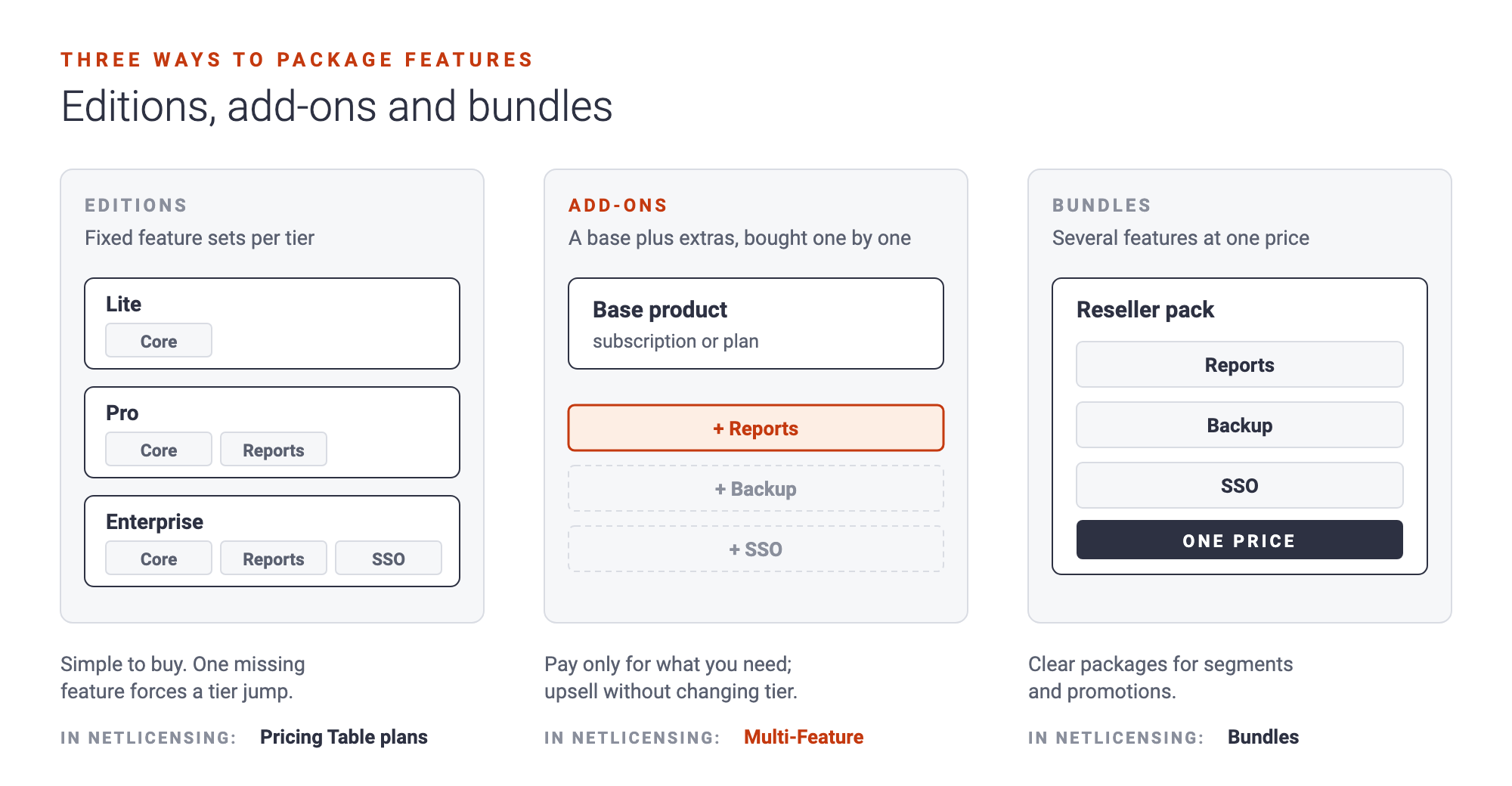
Most products land on a mix: three editions to keep the pricing page readable, plus two or three add-ons for the features that don’t fit neatly into a tier.
Combining features with subscriptions
Feature-based pricing rarely stands alone. The usual pattern is a base model for access, plus features on top:
- A subscription grants the right to use the product for a period.
- Feature licenses unlock premium capabilities, either for the same period or for good.
That combination lets you sell an upgrade the moment a customer needs it, without migrating them to a different plan, and without a new software release.
A practical example
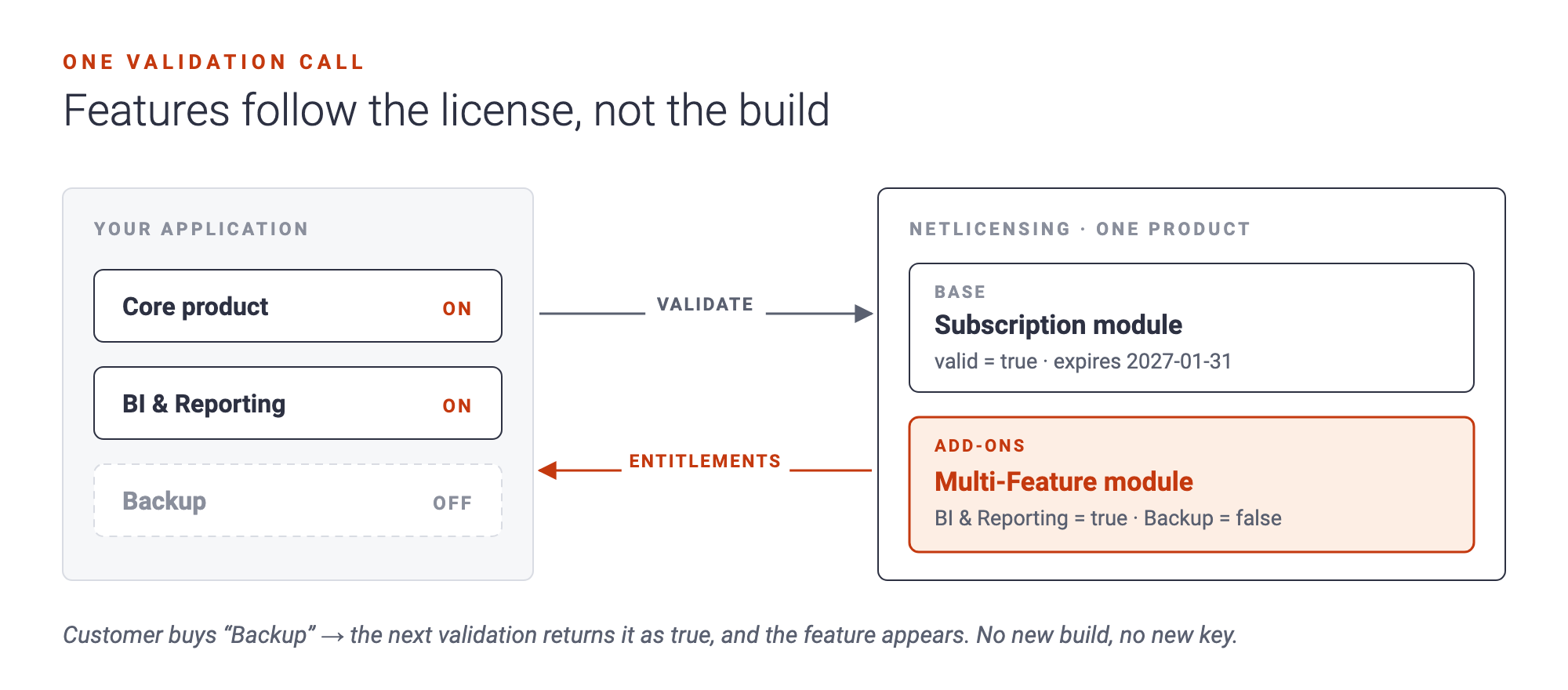
Imagine a BI tool sold as a yearly subscription with two add-ons: “BI & Reporting” and “Backup”.
In NetLicensing, the product gets two modules: one with the Subscription model and one with the Multi-Feature model, where each feature is a license template with its own price. When your application validates a customer, the response contains one entry per module. The subscription entry says whether the period is still running and when it expires, and the Multi-Feature entry lists every feature as valid=true or valid=false.
Your code then does the simplest thing possible: look up the feature it cares about and show or hide it. No feature list hard-coded per plan, no special builds per edition. When the customer buys “Backup” next month, the next validation returns it as valid.
If your features come bundled in plans rather than sold one by one, the Pricing Table model does the same job. Each plan lists its features (as yes/no SKUs) and its limits (as quantities), and validation tells you which plan the customer is on.
Common mistakes
- Gating by version number instead of entitlement. “Enterprise build” vs. “Standard build” doubles your release work and makes upgrades painful.
- Hard-coding plans in the app. Every pricing change becomes a deployment.
- Too many SKUs. If your pricing page needs a scroll bar and a glossary, customers will default to the cheapest option or leave.
- No free feature handouts. Sometimes the best upsell is a free trial of a single feature. Make sure your licensing can grant one without a purchase.
Questions people ask
How do I monetize individual software features? Treat each sellable feature as its own entitlement with its own price, and have your application check entitlements at runtime instead of hard-coding them per edition.
What’s the difference between feature-based pricing and tiered pricing? Tiered pricing groups features into fixed plans. Feature-based pricing lets customers buy features individually. Many products combine both: tiers for the main offer, add-ons for extras.
Can I give a feature away for free temporarily? Yes. In NetLicensing you can add a feature license through the API or mark a feature template as automatic, so every customer gets it without a purchase.
Do I need a new release to sell a new add-on? Only for the feature itself. Packaging, pricing and who has access live in your licensing configuration, not in the build.
Turn your next feature into revenue
Before the next feature ships to everyone for free, decide whether it’s core, part of a tier or an add-on. The Multi-Feature model is available from the Basic plan on, and plans with features and limits are part of the Select plan. See the details on the pricing page, or start for free and model your first add-on in minutes.
Happy Licensing!
Image Credits: NetLicensing
Related Posts
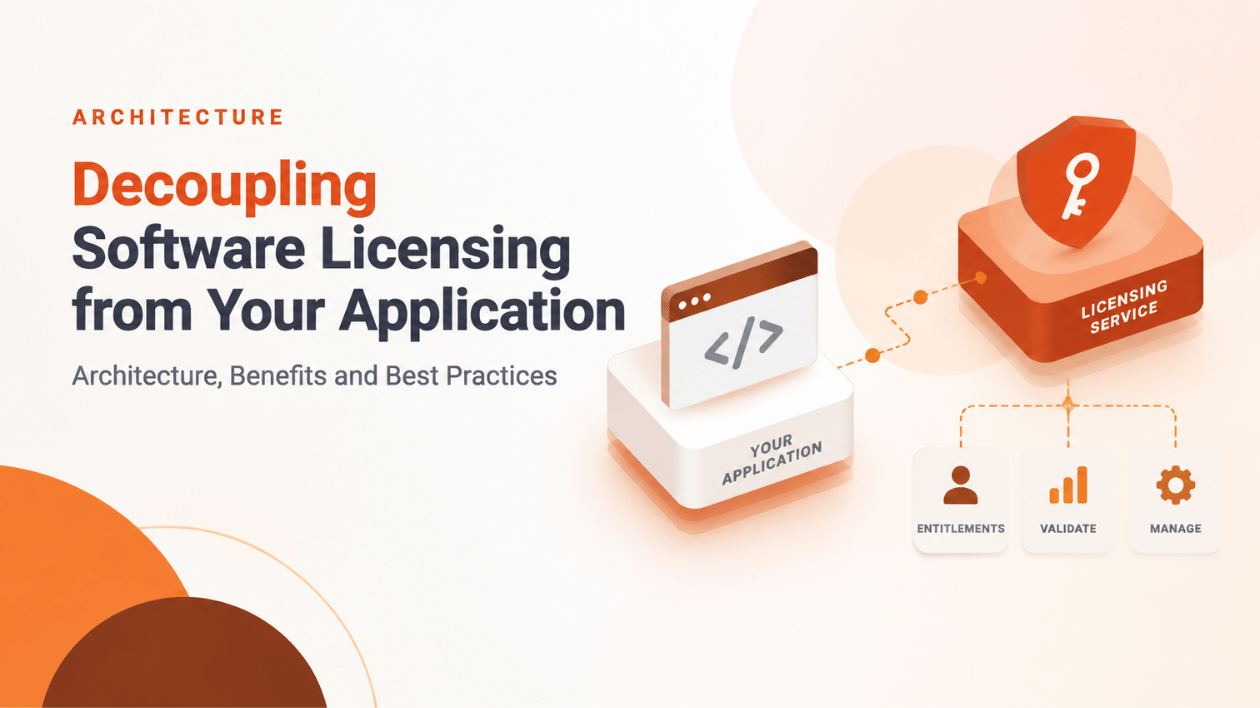
Decoupling Software Licensing from Your Application: Architecture, Benefits and Best Practices